Best No-Code AI Workflow Automation Tools in 2026 (Free & Paid Options)
In 2026, no-code AI workflow automation tools are transforming how businesses operate. These platforms let anyone—without coding skills—build sophisticated automations powered by AI, from simple task triggers to complex agentic workflows that reason, decide, and act autonomously.
Whether you're a small business owner streamlining customer support or a team lead automating data pipelines, these tools save time, reduce errors, and scale operations effortlessly. The no-code boom has made advanced AI accessible, with drag-and-drop interfaces and pre-built templates dominating the space.

This guide breaks down the best no-code AI workflow automation tools in 2026, covering free and paid options. We'll compare features, pricing, and use cases to help you choose the right one.
Why No-Code AI Workflow Tools Are Essential in 2026
Traditional automation required developers, but today's tools integrate seamlessly with apps like Gmail, Slack, Google Sheets, and CRMs. AI enhancements—like natural language prompts, data analysis, and autonomous agents—make them smarter than ever.
Benefits include:
- Time savings: Automate repetitive tasks in minutes.
- Cost efficiency: Free tiers for starters; scalable paid plans.
- Accessibility: No technical expertise needed.
- AI-native features: Tools now build multi-step agents that handle complex decisions.
Quick Comparison Table
Here's a side-by-side look at the top tools:
| Tool | Best For | Free Tier? | Starting Paid Price | Key AI Features | Integrations |
|---|---|---|---|---|---|
| Zapier | Broad app integrations | Yes (limited tasks) | $29.99/mo | AI-powered Zaps, natural language setup | 7,000+ |
| Gumloop | AI-first simple workflows | Yes | $30/mo | Visual AI nodes, data scraping | Hundreds |
| n8n | Flexible/open-source | Yes (self-hosted) | $20/mo (cloud) | AI agents, custom nodes | 300+ |
| Lindy.ai | Personal/business AI agents | Limited credits | $49/mo | Multi-agent workflows | Growing |
| Microsoft Power Automate | Enterprise/Microsoft users | Yes | $15/user/mo | Desktop + cloud flows, AI Builder | 1,000+ |
| Airtable | Database-driven automations | Yes | $20/user/mo | AI field generation, summarization | Hundreds |
1. Zapier – The Integration King with AI Smarts
Zapier remains the go-to for connecting apps. In 2026, its AI features let you describe workflows in plain English, and it builds the Zap for you.
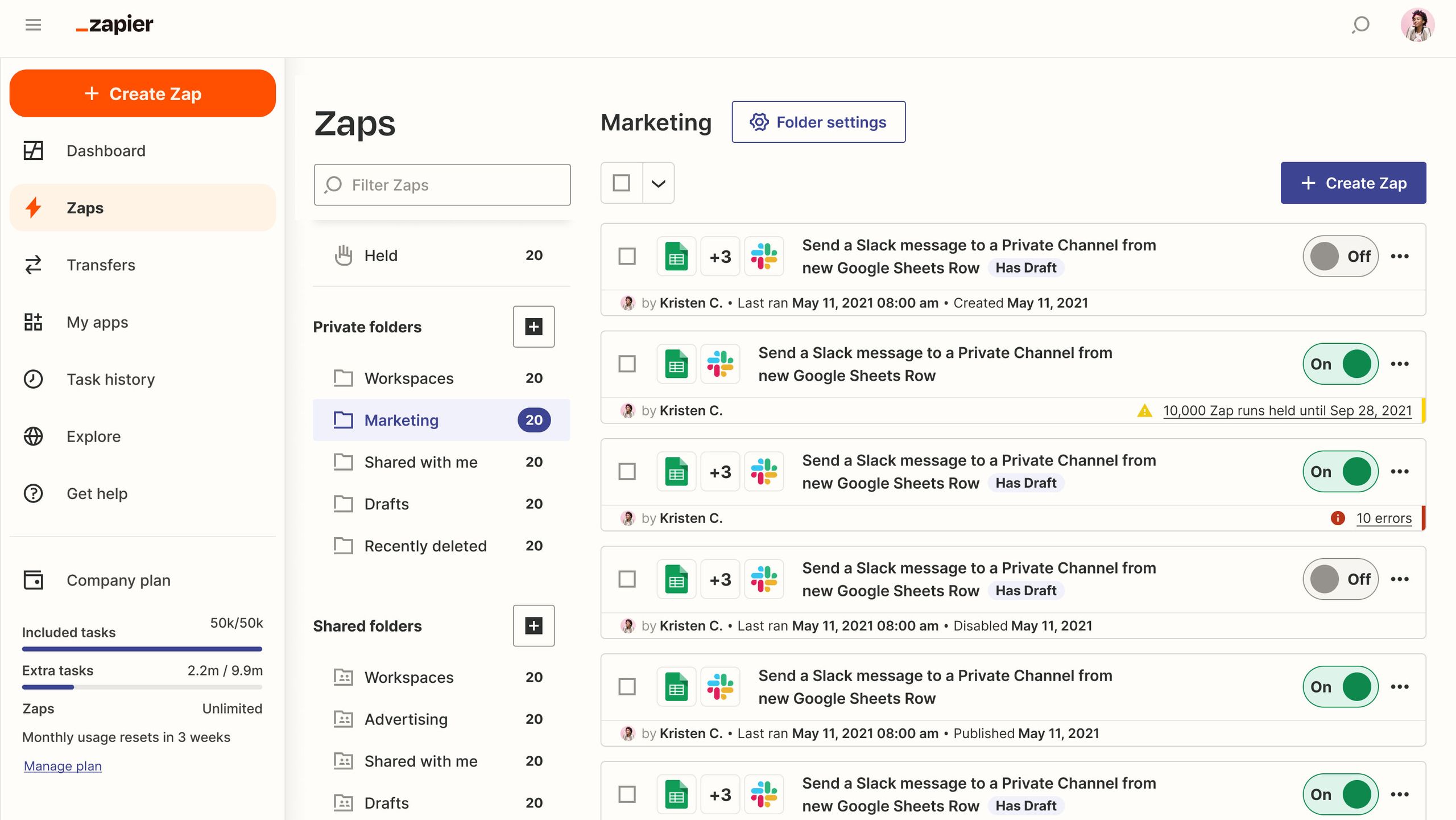
Pros: Massive integration library, reliable, beginner-friendly. Cons: Can get pricey with high-volume tasks. Pricing: Free tier (100 tasks/mo); paid from $29.99/mo. Best for: Anyone needing quick app-to-app automations. Zapier Official Site
2. Gumloop – AI-Native No-Code Powerhouse
Gumloop is built from the ground up for AI workflows. Its visual canvas excels at data-heavy tasks like scraping, analyzing, and looping AI actions.
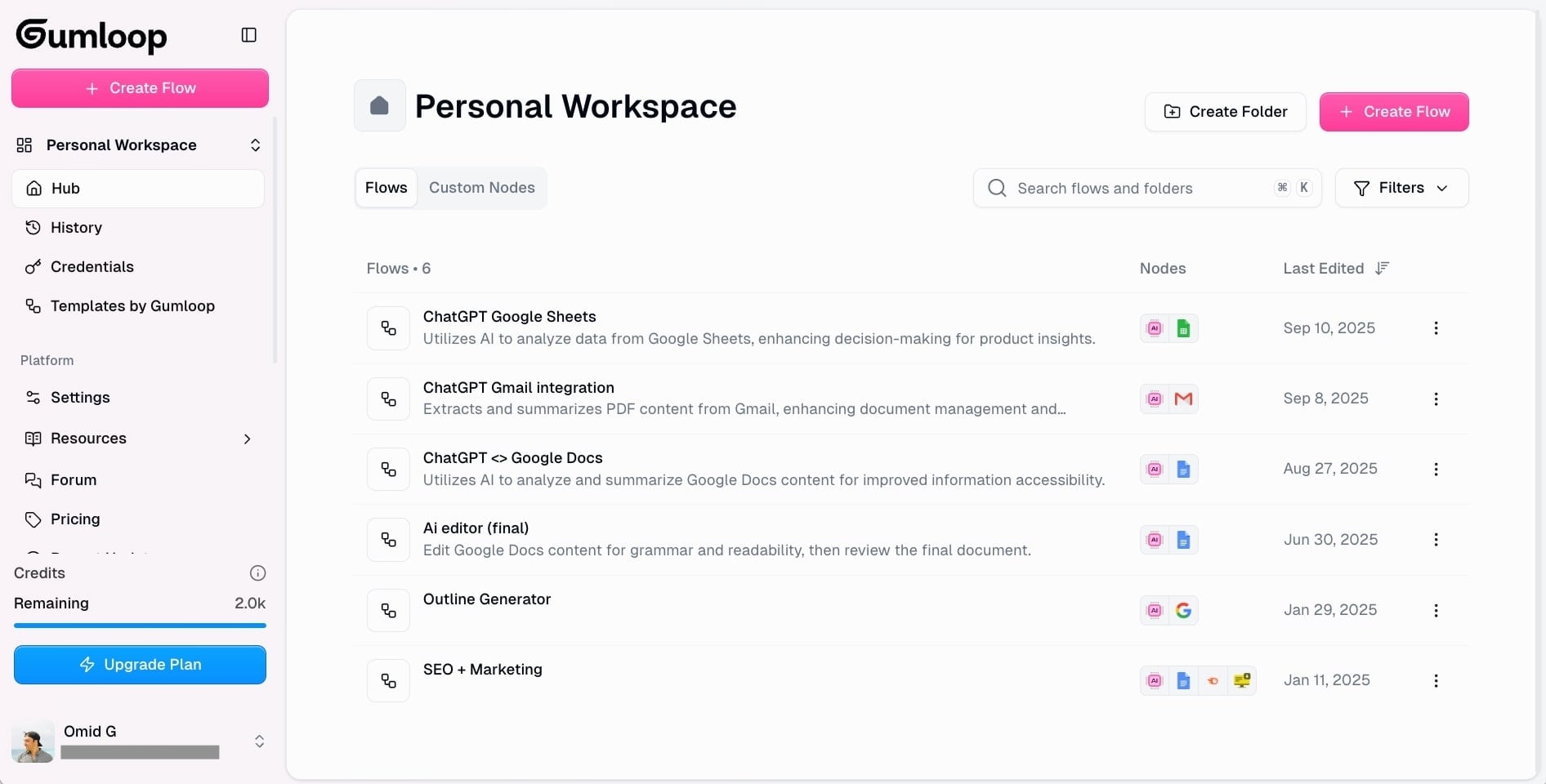
Pros: Intuitive for AI tasks, strong templates. Cons: Fewer integrations than Zapier. Pricing: Generous free tier; paid starts around $30/mo. Best for: Marketing/sales teams automating AI-driven insights. Gumloop Official Site
3. n8n – Open-Source Flexibility Meets AI Agents
n8n offers fair-code freedom with powerful visual editing. Self-host for free or use cloud—perfect for custom AI agent workflows.
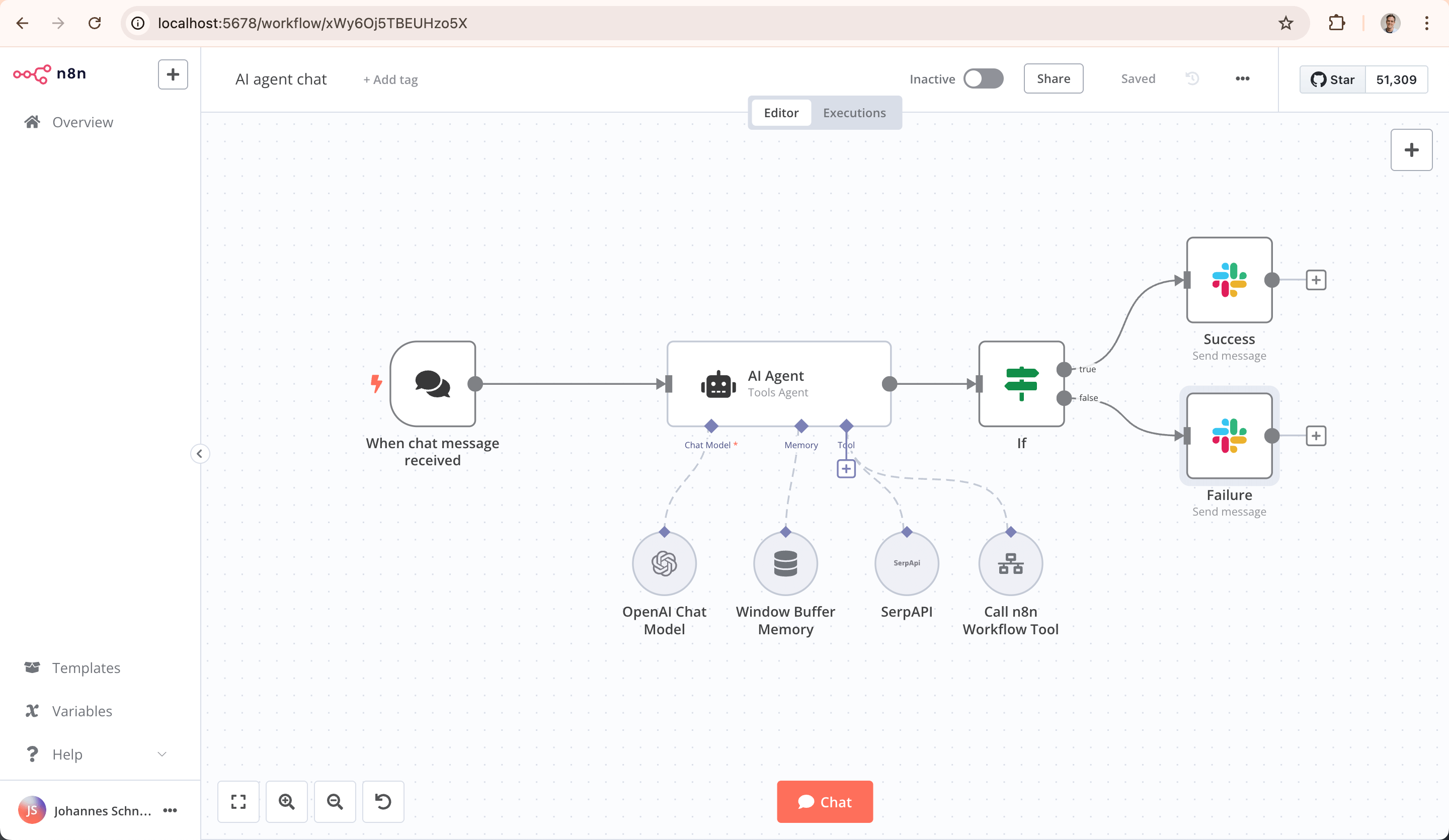
Pros: Highly customizable, supports complex logic. Cons: Slight learning curve for advanced features. Pricing: Free self-hosted; cloud from ~$20/mo. Best for: Developers and teams wanting control. n8n Official Site
4. Lindy.ai – Best for Building Personal AI Agents
Lindy shines at creating custom AI agents for tasks like email triage or meeting prep. Describe what you want, and it builds the agent.
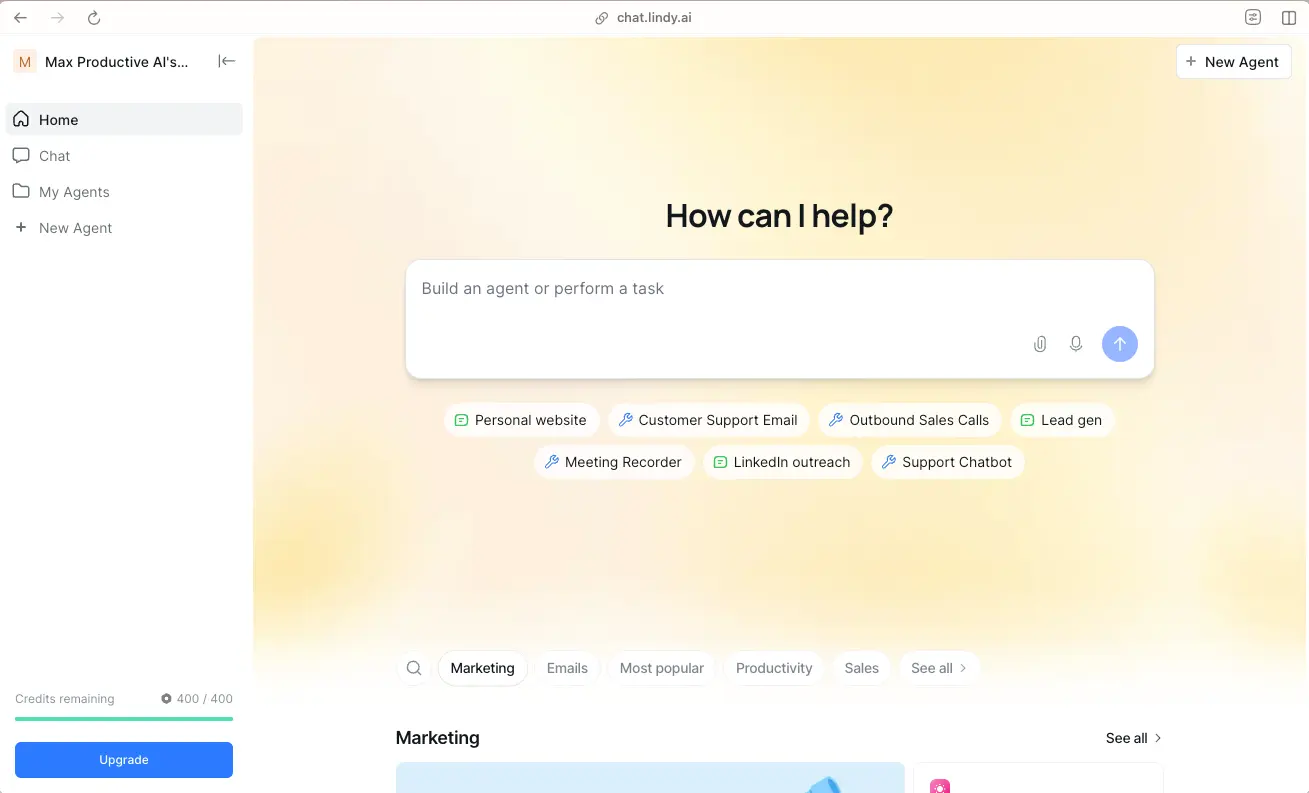
Pros: Fast agent creation, multi-agent collaboration. Cons: Credit-based system can limit heavy use. Pricing: Free trial credits; paid from $49/mo. Best for: Solopreneurs and small teams. Lindy Official Site
5. Microsoft Power Automate – Enterprise-Grade No-Code
Integrated with Microsoft 365, Power Automate offers cloud and desktop flows with AI Builder for predictions and form processing.
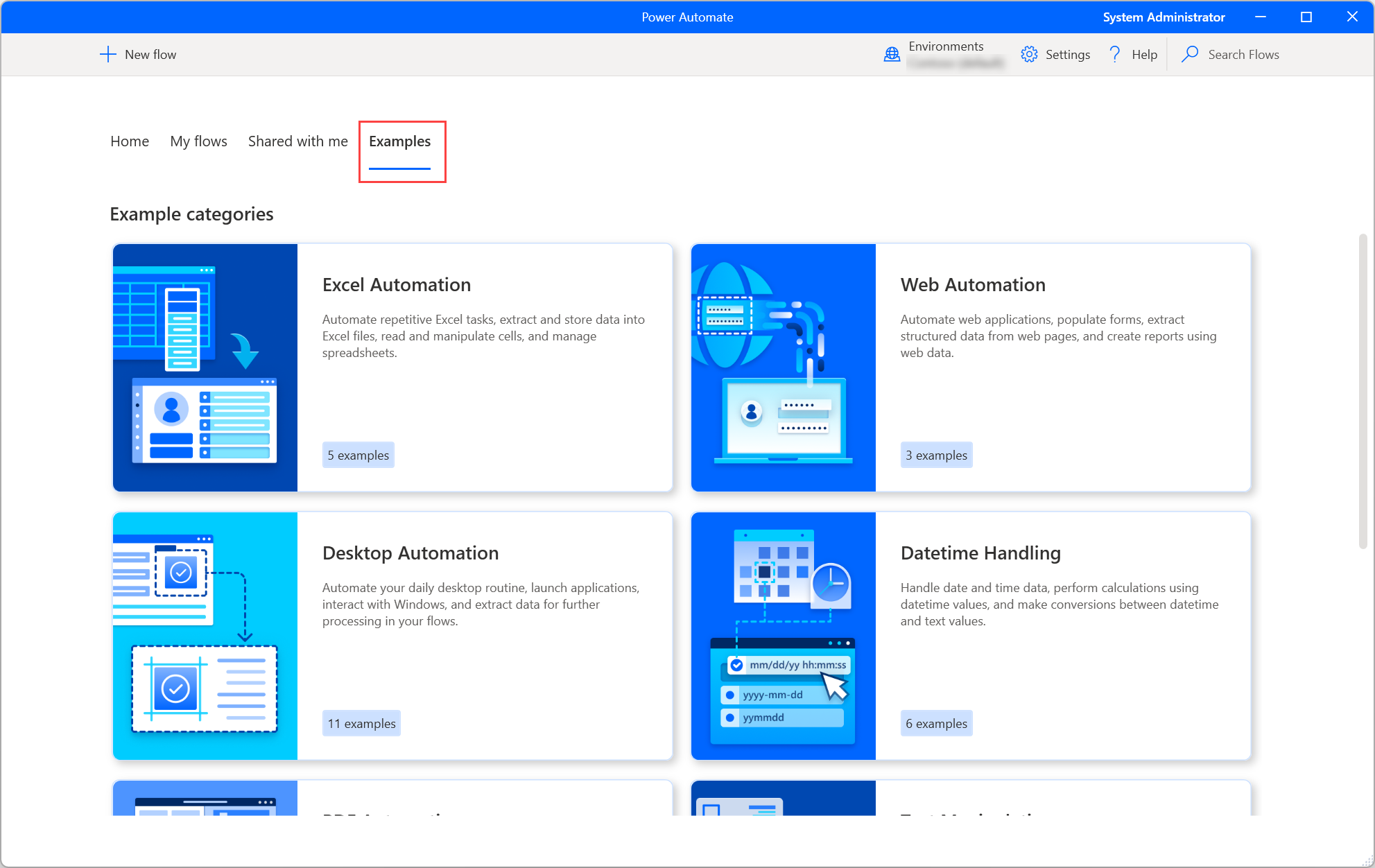
Pros: Robust for large orgs, seamless with Teams/Outlook. Cons: Best if already in Microsoft ecosystem. Pricing: Free tier; paid from $15/user/mo. Best for: Corporate environments. Power Automate Official Site
6. Airtable – Database Automation with Built-in AI
Airtable combines spreadsheets with databases and adds AI for categorization, summarization, and automation triggers.
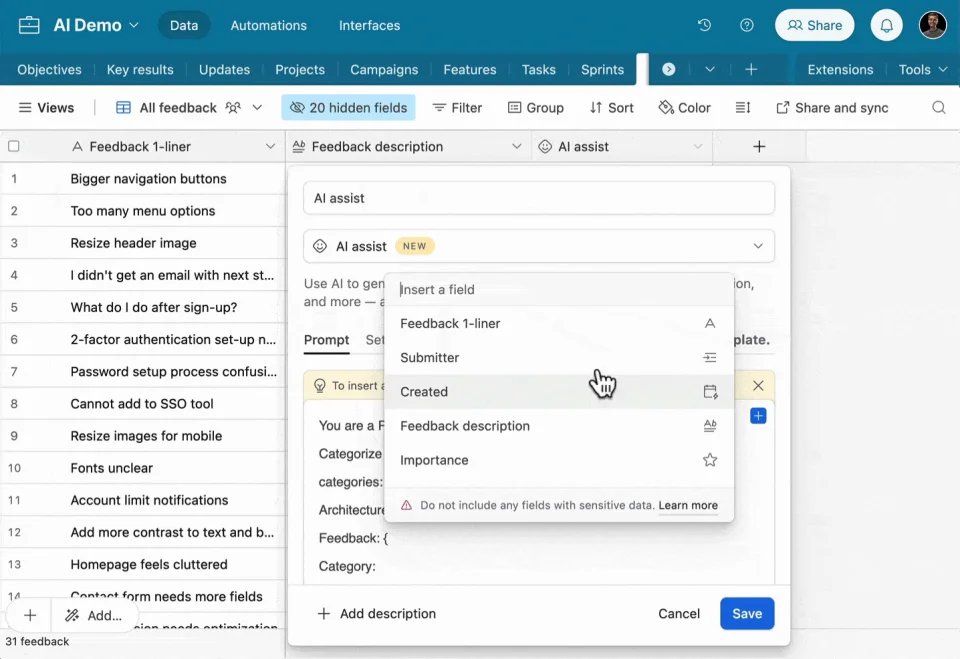
Pros: Great for project/data management. Cons: Automations tied to bases. Pricing: Free plan; Pro from $20/user/mo. Best for: Teams managing content or CRM data. Airtable Official Site
Honorable Mentions
- Parabola: Excellent for data transformation workflows.
- Vellum AI: Low-code focus on production AI workflows.
Final Thoughts: Which Tool Should You Choose?
For most users, start with Zapier or Gumloop for ease. If you need flexibility, go with n8n. Enterprise users should pick Power Automate, and agent enthusiasts Lindy.ai.
No-code AI tools in 2026 empower anyone to automate intelligently. Experiment with free tiers to find your fit.
Looking for real-world business automation ideas? Check out these business automation ideas for small businesses on meerab.online—they pair perfectly with these tools.
Which tool are you trying first? Drop a comment below!
Comments
Leave your comments below.